在 VS2026 编辑器底部显示当前文件路径
https://marketplace.visualstudio.com/items?itemName=ShemeerNS.FilePathOnFooter
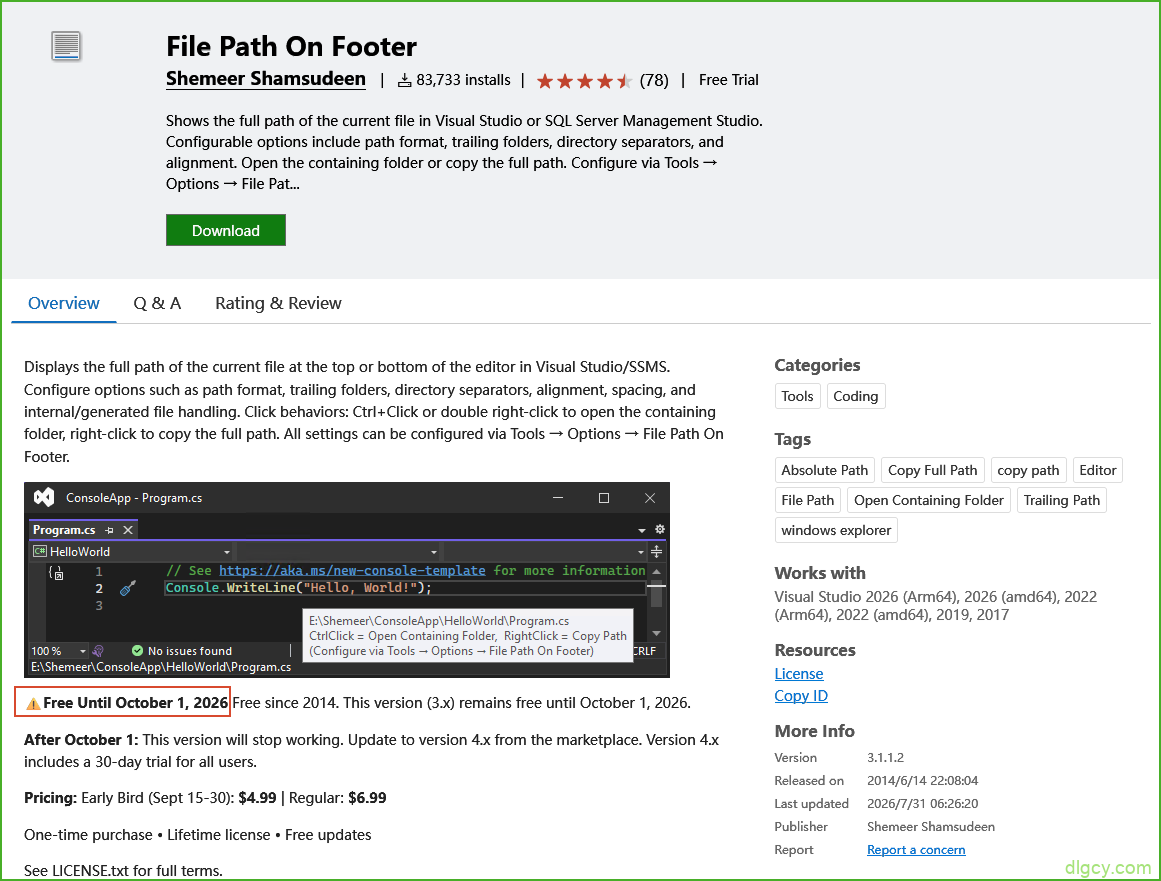
效果(可滑动鼠标选择):


还是挺好的,不过后续要收费了:
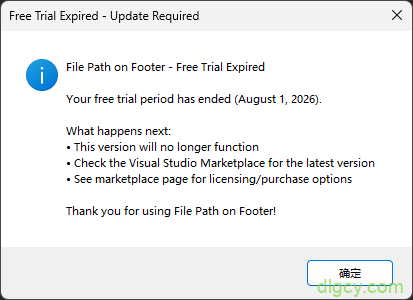
https://marketplace.visualstudio.com/items?itemName=mshwf.filepathonfooterfree
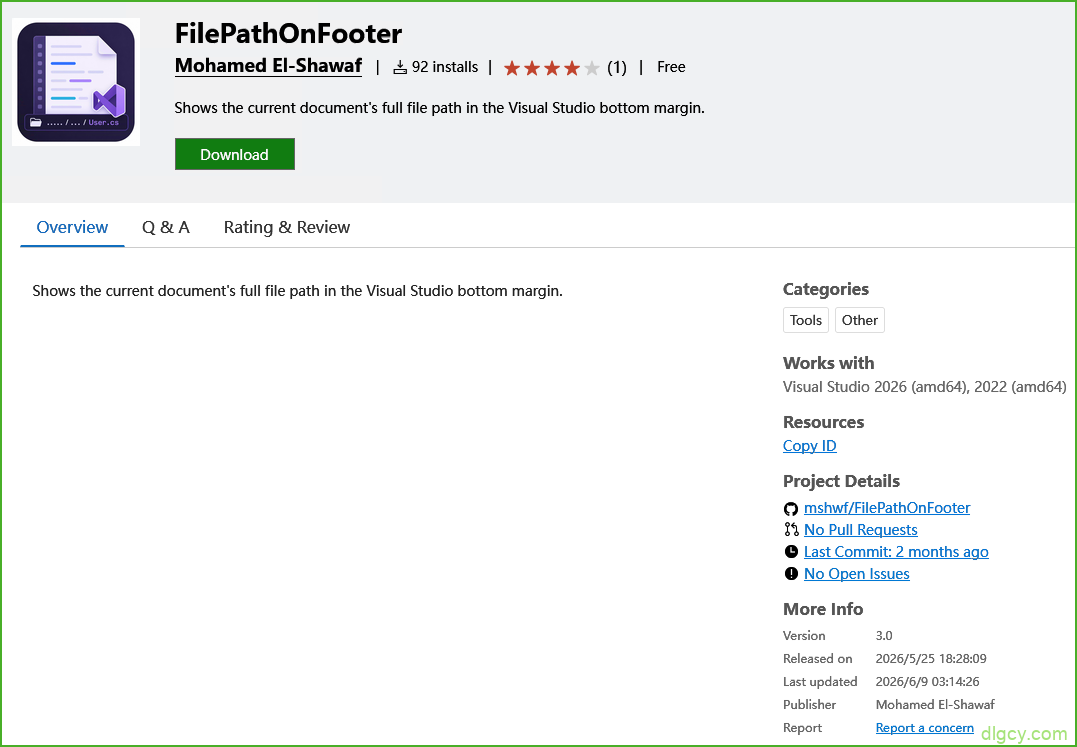
GitHub 地址:https://github.com/mshwf/FilePathOnFooter
效果(与 Shemeer 版类似,但未适配深色模式,与 Shemeer 版 同时安装启用时会被覆盖了):

原地址:https://github.com/EspressoBeans/filepath-footer
克隆地址:https://gitee.com/DLGCY_Clone/vs-filepath-footer
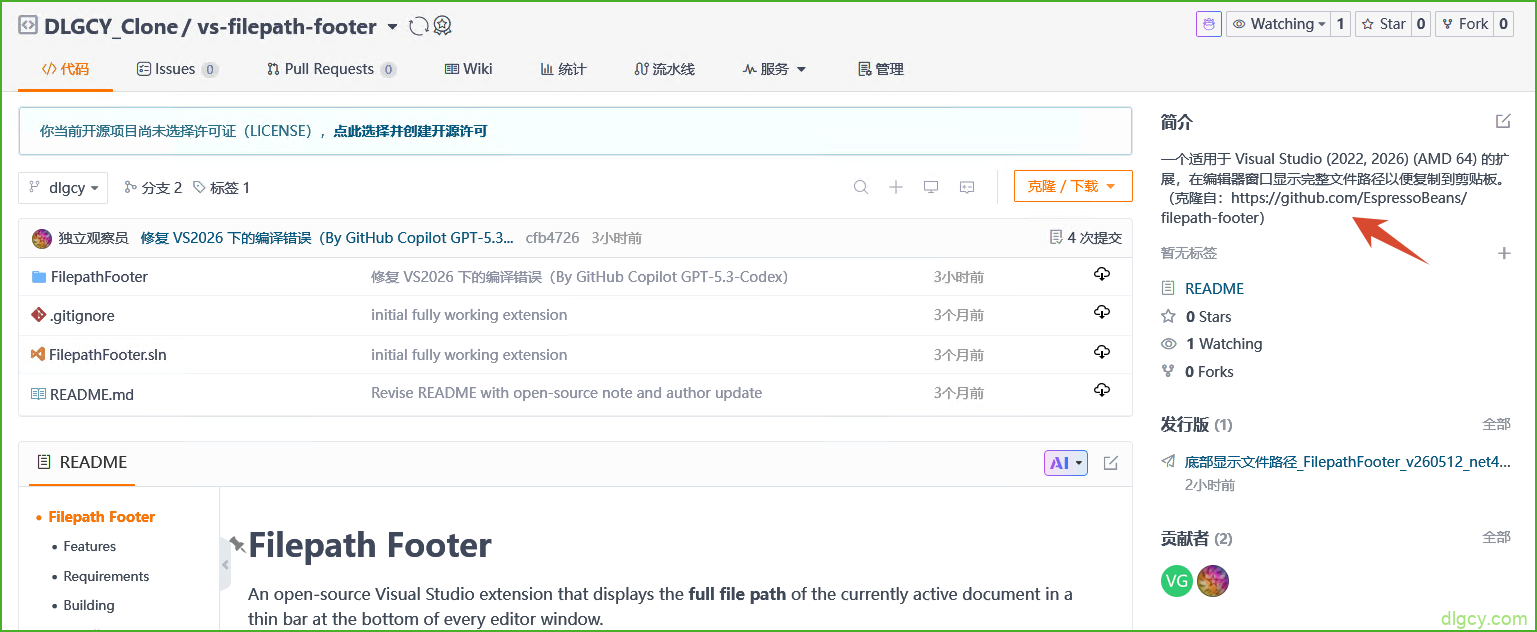
效果(点击后自动拷贝):


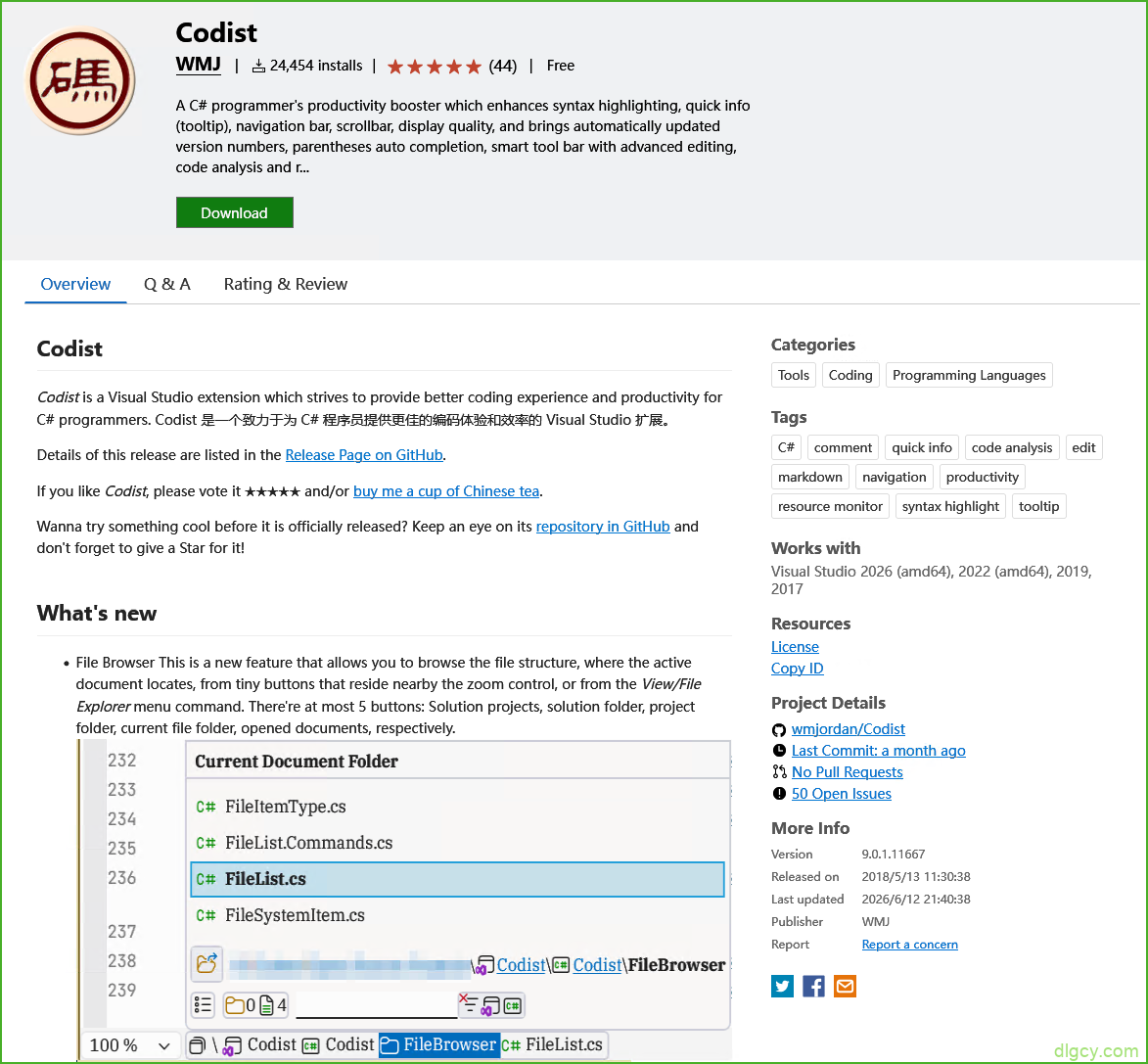
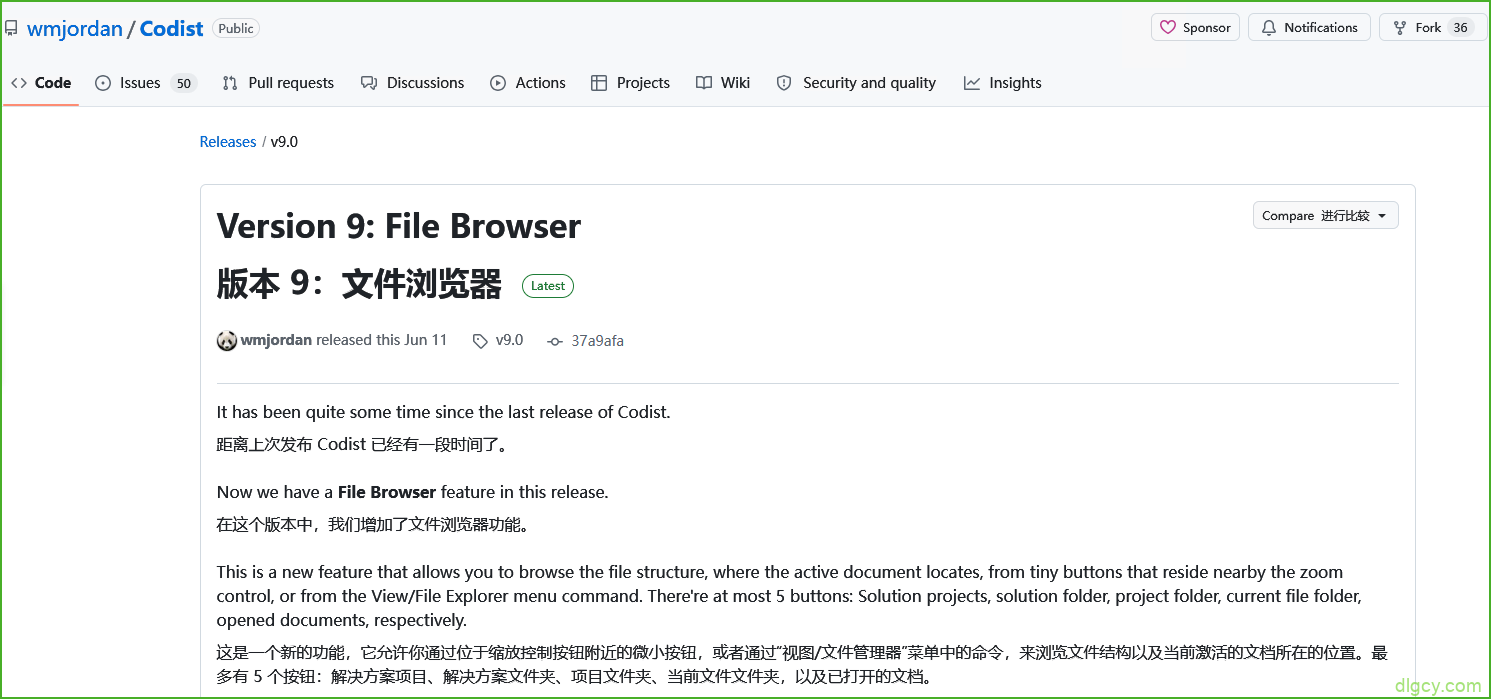
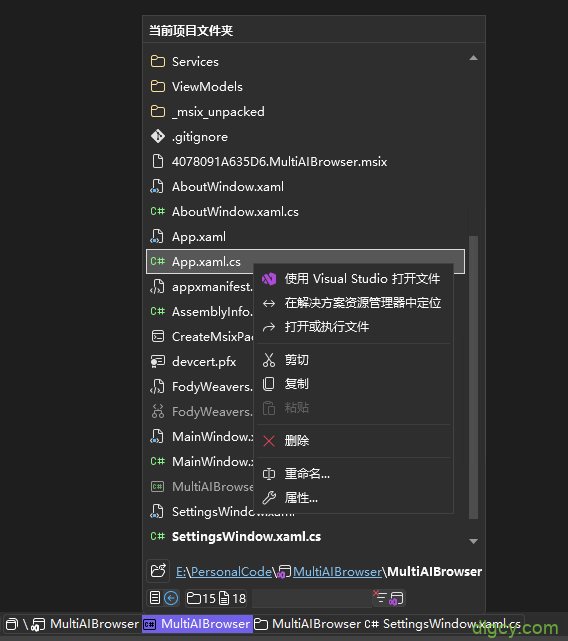
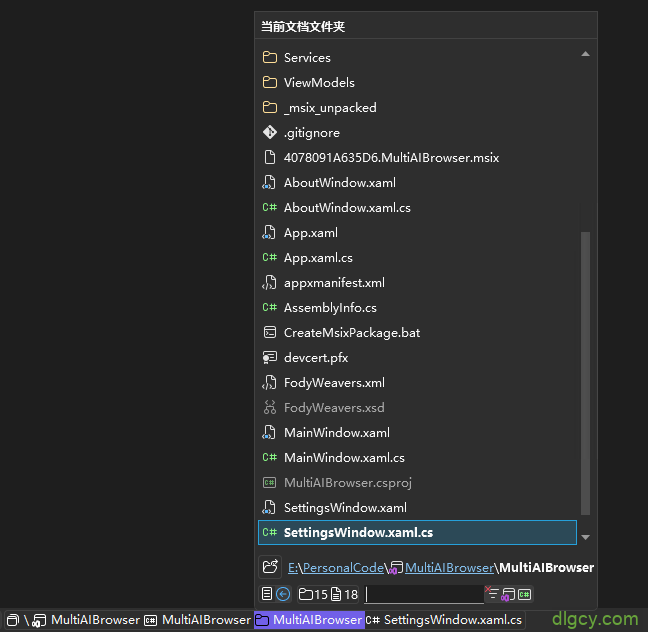
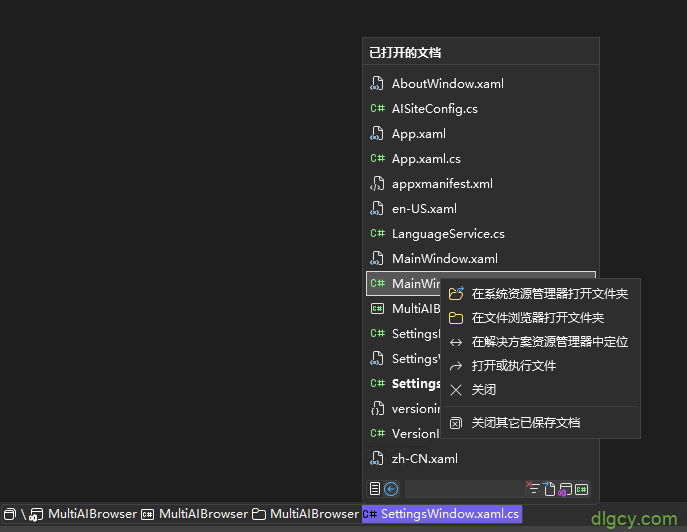
Codist v9 的 File Browser 功能
https://marketplace.visualstudio.com/items?itemName=wmj.Codist
https://github.com/wmjordan/Codist/releases/tag/v9.0
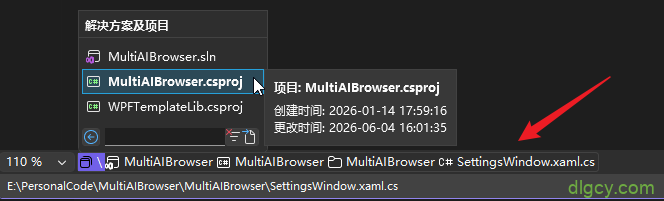
效果:
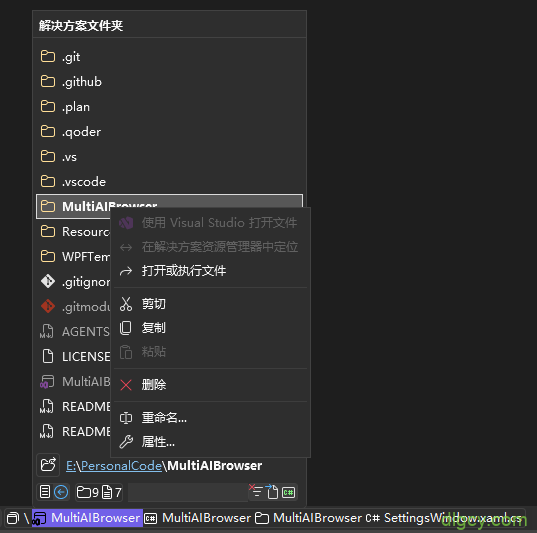
解决方案文件夹:
当前项目文件夹:
当前文档文件夹:
已打开的文档:
总结
在 File Path On Footer 即将收费,而 FilePathOnFooter(mshwf 版)效果不尽人意的背景下,目前比较好的替代品是 Filepath Footer,再配合上 Codist v9.0 版本新增的 File Browser 功能,基本达到了完美状态:

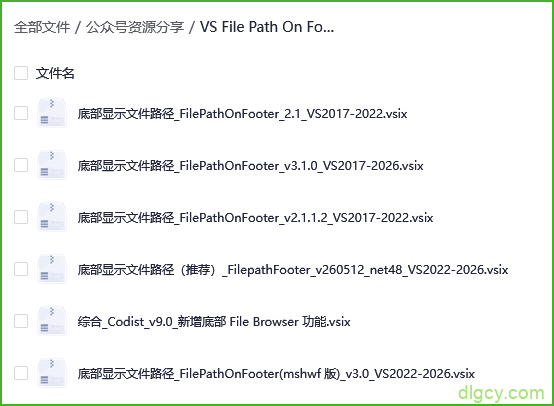
本文提到的各个插件已传到网盘,可在微信公众号 “独立观察员博客” 中私信 “VSFilePath” 获取:
原创文章,转载请注明: 转载自 独立观察员(dlgcy.com)
本文链接地址: [在 VS2026 编辑器底部显示当前文件路径](https://dlgcy.com/vs2026-file-path-on-footer/)
关注微信公众号 独立观察员博客(DLGCY_BLOG) 第一时间获取最新文章


发表评论